Blog · Published August 26, 2026 · Updated August 26, 2026 · 14 min read
Open-Source Grammarly Alternatives: A Verified Comparison
Most "Grammarly alternative" articles are affiliate listicles that rank tools they have not licence-checked and quote prices they have not opened. This page is the opposite: a comparison table where every licence and every price was read from the vendor's own site or repository on 26 August 2026, with the source linked so you can re-check it.
The short version. Three genuinely open-source options exist, and they are not interchangeable: Harper (Apache-2.0) is offline, fast and rule-based; LanguageTool has an LGPL core you can self-host, with the good stuff behind a paid tier; Vale (MIT) is a CLI prose linter for docs-as-code, not a browser tool at all. GemType (Apache-2.0) is the newest: it is an LLM-based checker that runs in Chrome, Edge, Firefox, Word and a desktop app, using your own free Google Gemini API key so there is no subscription and no server in the middle.
A disclosure you should have before the table, not after it: GemType and OSSDrop are both Matily projects. That is exactly why the table lists every rival's real licence and price with a source link, and why the next section tells you plainly when Harper, LanguageTool or Vale is the better answer than ours.
| Tool | Open source? | Licence | Price as shown on 26 Aug 2026 | Platforms |
|---|---|---|---|---|
| GemType | Yes | Apache-2.0 | Free — you bring your own free Gemini API key | Chrome, Edge, Firefox, Word add-in, desktop (macOS/Win/Linux) |
| Harper | Yes | Apache-2.0 | Free — no paid tier | Chrome, web (WASM), VS Code, Neovim, Helix, Emacs, Zed, Obsidian |
| LanguageTool | Core only | LGPL-2.1-or-later (core) | Free tier; Premium $69.90/year (= $5.83/mo), or $24.90 monthly | Chrome, Edge, Firefox, Safari, Opera, Word, Google Docs, LibreOffice, macOS, Windows, self-hosted server |
| Vale | Yes | MIT | Free | CLI only — Windows, macOS, Linux (not a browser extension) |
| Grammarly | No | Proprietary | Free $0; Pro "$12 USD" (page shows no billing period); Enterprise on request | Web, desktop, mobile, browser |
| ProWritingAid | No | Proprietary | Free tier capped at 500 words, 2 reports/day; Premium $10/mo billed yearly ($120) |
| # | Tool | Best for | License | Stars |
|---|---|---|---|---|
| 1 | GemType | replacing Grammarly in the browser without a subscription or an account | Apache-2.0 | 151 |
How we picked
Disclosure: GemType and OSSDrop are both Matily projects. We are reviewing our own software alongside its competitors, so the burden is on us to be checkable. Three commitments follow from that.
Every licence and price was read at source, on 26 August 2026, and the source is linked. We did not copy figures from other comparison articles. Where a vendor was running a promotion (QuillBot, Ginger) we say so, because those prices will rise. Where a page was ambiguous we refuse to fill the gap: Grammarly's plans page renders "$12 USD" with no billing period anywhere in the markup, so this page states that and stops, rather than publishing a plausible annual figure we cannot verify.
We publish no benchmark or accuracy scores. Nobody here has run a controlled corpus test across eight tools, and a made-up "97% accuracy" is worse than silence. Correction quality depends on your writing, your language, and which model or ruleset is behind the tool. Test on your own text.
We route you away from our own tool where it is the wrong fit. The next section does that explicitly, and it is not decoration: GemType cannot work offline, cannot work in Google Docs, and is not the right answer for anyone who specifically does not want an LLM involved. Harper and LanguageTool are better on all three counts, and they are linked plainly.

GemType
Best for replacing Grammarly in the browser without a subscription or an account
Apache-2.0 · 151 stars · Productivity
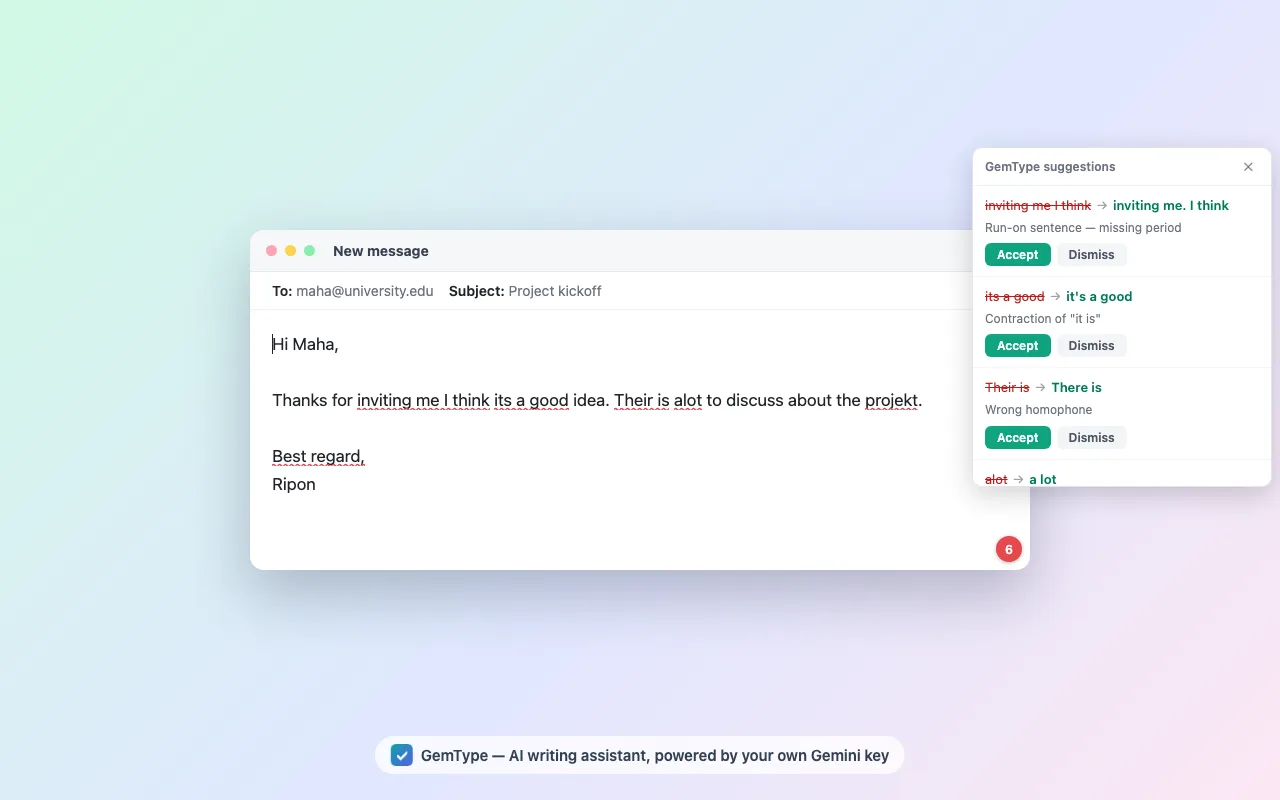
GemType is a browser extension and desktop app that checks grammar and rewrites text using Google's Gemini, with one structural difference from every commercial option: there is no GemType server. You paste a free Google AI Studio API key into the extension, and from then on your text goes from your browser directly to Google's API under your own key. No account, no sign-up, no telemetry, and no intermediary that could log what you type.
That matters because privacy — not price — is the most repeated objection to Grammarly among technical users. Hacker News threads on the subject return to it constantly: one commenter calls it, bluntly, an "expensive keylogger"; another points out that no corporate IT department should be comfortable with a tool that by design transmits everything you type. Those are users' characterisations, not ours, and they overstate the case — Grammarly publishes a privacy policy and is not covertly harvesting keystrokes. But the underlying architectural fact is real and unavoidable: a cloud grammar checker must see your text, and Grammarly's servers are the ones that see it.
GemType does not escape that, and pretending otherwise would be dishonest. Your text still leaves your machine — it goes to Google. What changes is that it goes under your key, to an API you already have a relationship with, with no third party in the path and no account tying it to a profile. Whether that is meaningfully better is a judgement you should make yourself, and it is a smaller claim than "private".
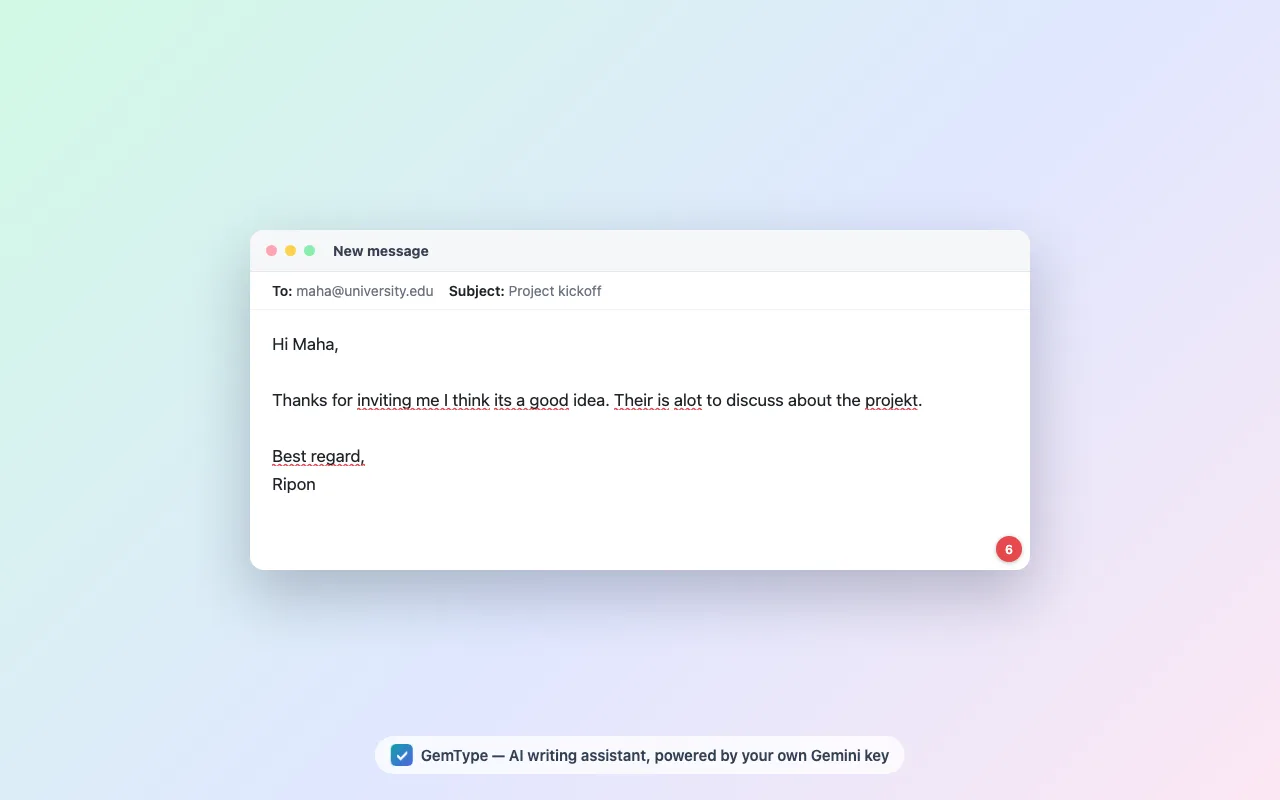
On the writing side it behaves the way you would expect: underlines appear in any text field about a second after you stop typing, clicking one accepts the fix, and Ctrl/Cmd+Z undoes it natively. Two details are better than most: after every accepted fix the surrounding sentence is automatically re-checked, so word-level corrections do not leave broken grammar behind, and the underline layer is drawn in a shadow-DOM overlay that never modifies the page's own editor — which is why it does not break React, Vue or ProseMirror editors the way injected widgets often do.
The bottom line
The useful conclusion is not that one tool wins. It is that "Grammarly alternative" is four different needs wearing one label — no-AI, offline, Google Docs, and cheap-in-the-browser — and the tools sort cleanly once you say which one is yours. Harper for local and rule-based, LanguageTool for Docs and self-hosting, Vale for docs-as-code, GemType for browser use without a subscription or an account, and Grammarly itself if the polish is worth the money to you.
We built GemType, so the fairest thing we can do is hand you the table and the routing list and let you disagree with us. If any price above has changed since 26 August 2026, or a licence here is wrong, tell us and we will correct it — accuracy is the only reason a page like this is worth reading.
See the listing on OSSDrop, browse more Productivity tools, or drop your own open-source tool.
Which one you should actually use
The honest routing, including away from ours:
- You do not want an LLM anywhere near your writing — use Harper. It is Apache-2.0, rule-based, runs offline in WebAssembly, and is fast. This is a large and under-served preference:
grammarly alternative no aiis one of Google's top autocomplete suggestions for the topic, and neither GemType nor Grammarly satisfies it. Harper does. - You need Google Docs — use LanguageTool. It is the only option here with real Docs support. GemType cannot do this and structurally cannot: Google renders Docs to a canvas and restricts the annotation API to whitelisted vendors.
- You need it fully offline, on your own infrastructure — LanguageTool's LGPL core, self-hosted. Note carefully that self-hosting gives you the core; the premium rules are not in the repository.
- You are linting documentation in CI — Vale. MIT, CLI, style-guide driven. It is not a browser tool and is not trying to be.
- You want the polished commercial product and the price is fine — stay on Grammarly. It is genuinely good, works in more places than anything here, and needs no API key. "Free" is not automatically better when a tool is part of how you earn a living.
- You want Grammarly's in-browser experience without a subscription or account, and you accept that Google sees your text — that is the specific case GemType was built for.
If you take one thing from this page, make it that list rather than the marketing.
What people actually object to about Grammarly
Reading through Hacker News and Reddit threads on Grammarly alternatives, the complaints cluster in a consistent order, and it is not the order the affiliate listicles assume.
Privacy comes first, by a wide margin. The recurring argument is architectural rather than accusatory: a cloud grammar checker has to receive everything you type in order to check it, which makes it a poor fit for anything confidential and a hard sell to a security team. Users put it more sharply than we would — the "expensive keylogger" framing shows up repeatedly — but the substance is simply that the text has to leave your machine.
Price is second, and it is more about the shape than the number: the free tier flags problems it will not fix for you, which several people describe as the product advertising at them while they work.
Product bloat is third, and this one surprised us. Multiple comments describe the widget breaking text inputs badly enough that they disable it to use a site, and long-time users describing the product as worse than it used to be.
Offline and self-hosting is fourth — a smaller but very determined group, well served by Harper and self-hosted LanguageTool and not by us.
One more comment is worth quoting because it applies to this very page. A user, writing about a different tool, dismissed the whole category as another wrapper that rewrites text in a soulless way, when what they wanted was a decent spelling corrector. That criticism lands on GemType too. If you want a deterministic proofreader rather than a language model's opinion of your sentence, you want Harper, and no amount of writing on our part should talk you out of it.
How GemType's privacy model actually works
"Private" is the most abused word in this category, so here is the mechanism rather than the adjective.
The extension holds your Gemini API key in chrome.storage.local on your own device. It is never synced and never transmitted anywhere except to Google. When you pause typing, the content script sends the relevant snippet to a background service worker, which calls generativelanguage.googleapis.com directly with your key and gets structured JSON back. There is no Matily server in that path at all — we could not log your text if we wanted to, because it never reaches us.
What that buys you: no account, no profile, no telemetry, no analytics, and no third party between you and an API you control. Password fields are never read, and payment and one-time-code fields are skipped at the code level.
What it does not buy you: your text is still processed by a large cloud model, subject to Google's terms for the Gemini API. If your threat model excludes that, GemType is not your tool — Harper running locally is. We would rather say that plainly here than have you discover it later.
The underline layer is worth one technical note, because it is where most extensions in this category cause trouble. GemType positions underlines using Range.getClientRects() and draws them in a shadow-DOM overlay, so the page's own DOM is never modified. That is the reason it does not destabilise React, Vue and ProseMirror editors, and it is also why it deliberately does not honour Grammarly's data-gramm opt-out attribute — it is not injecting into the editor, so the attribute does not apply. Sites that want to exclude a field can use data-gemtype="false".
Rewriting, and what the free Gemini tier really costs
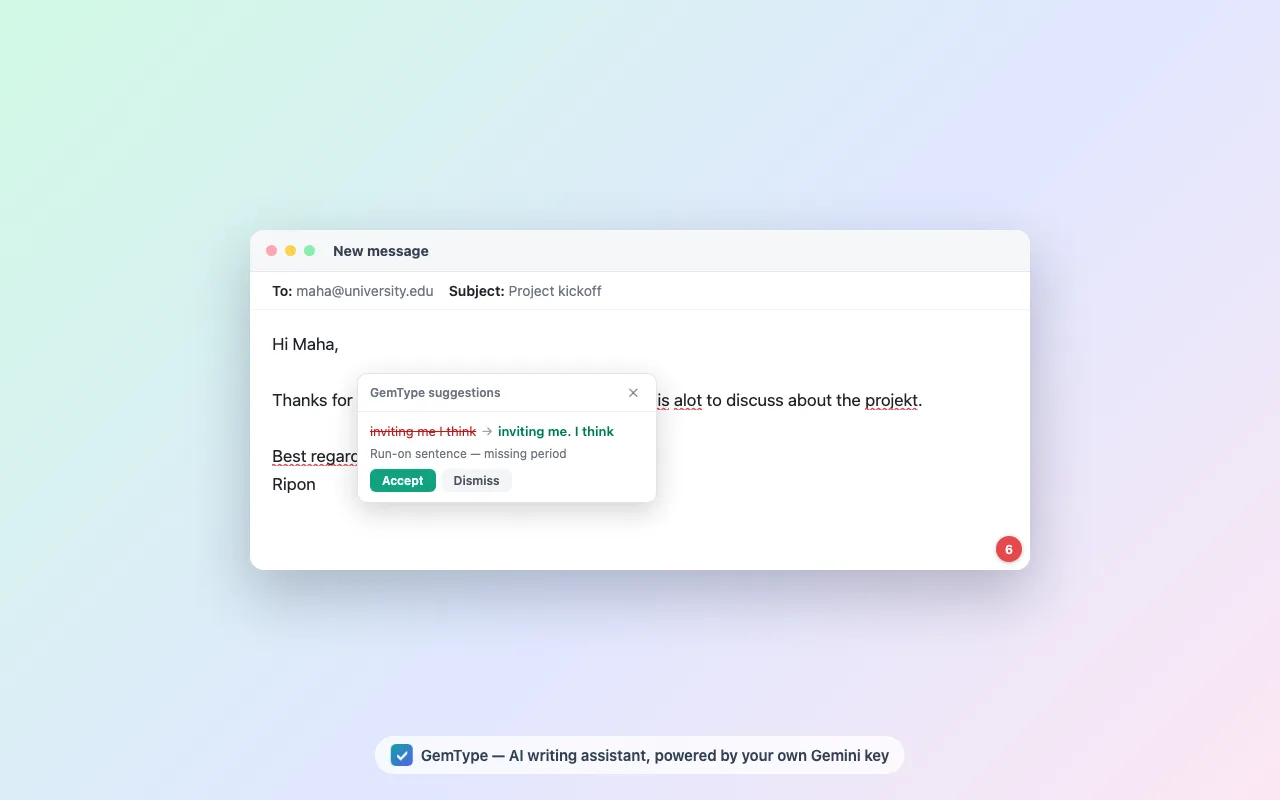
Beyond corrections, selecting any text brings up a toolbar with Improve, Fix, Shorten, Formal and Casual, also available from the right-click menu. This is the part that sits behind Premium in most commercial tools.
The obvious question is what "bring your own key" costs in practice. Google AI Studio issues free API keys with no credit card required, and the free tier is sized for individual use. GemType is built to stay inside it: checks are debounced until you pause, unchanged text is skipped, responses are cached, and re-checks are scoped to a single sentence rather than the whole field.
We are not going to publish a monthly-cost estimate, because it depends entirely on how much you write and which model you select, and a confident-sounding figure would be invented. The honest framing is structural instead: you pay Google for what you actually use, at API rates, instead of paying a flat subscription to a company that then also has your text. For an individual writing normally, the free tier is the realistic expectation. If you write at enormous volume, check Google's current Gemini API pricing yourself before assuming.
The setup cost is real and worth stating: pasting an API key is a step Grammarly does not ask of you, and for non-technical users it is a genuine barrier. A hosted-key option that removes it is on the roadmap, and until it ships this is a tool aimed at people comfortable getting an API key.
Where GemType falls short
In the order likely to affect you:
Google Docs is not supported. Docs renders to a canvas and restricts its annotation API to Google-whitelisted vendors, so no third-party extension can draw underlines there. If Docs is where you write, LanguageTool is the answer, not us.
There is no offline or local-model mode. Every check is a Gemini API call. A pluggable backend including self-hosted models is on the roadmap; it is not shipped.
Safari has not shipped. The build exists — the extension converts to a Safari App Extension — but publishing needs Apple Developer membership. Chrome, Edge, Firefox, Word and the desktop app are live today.
It requires an API key. One-time, free, no card — but still a step, and the main reason to prefer Grammarly if you just want something that works after one click.
It is young. v0.1.5, first released in July 2026. Commercial tools have years of edge cases behind them; this does not.
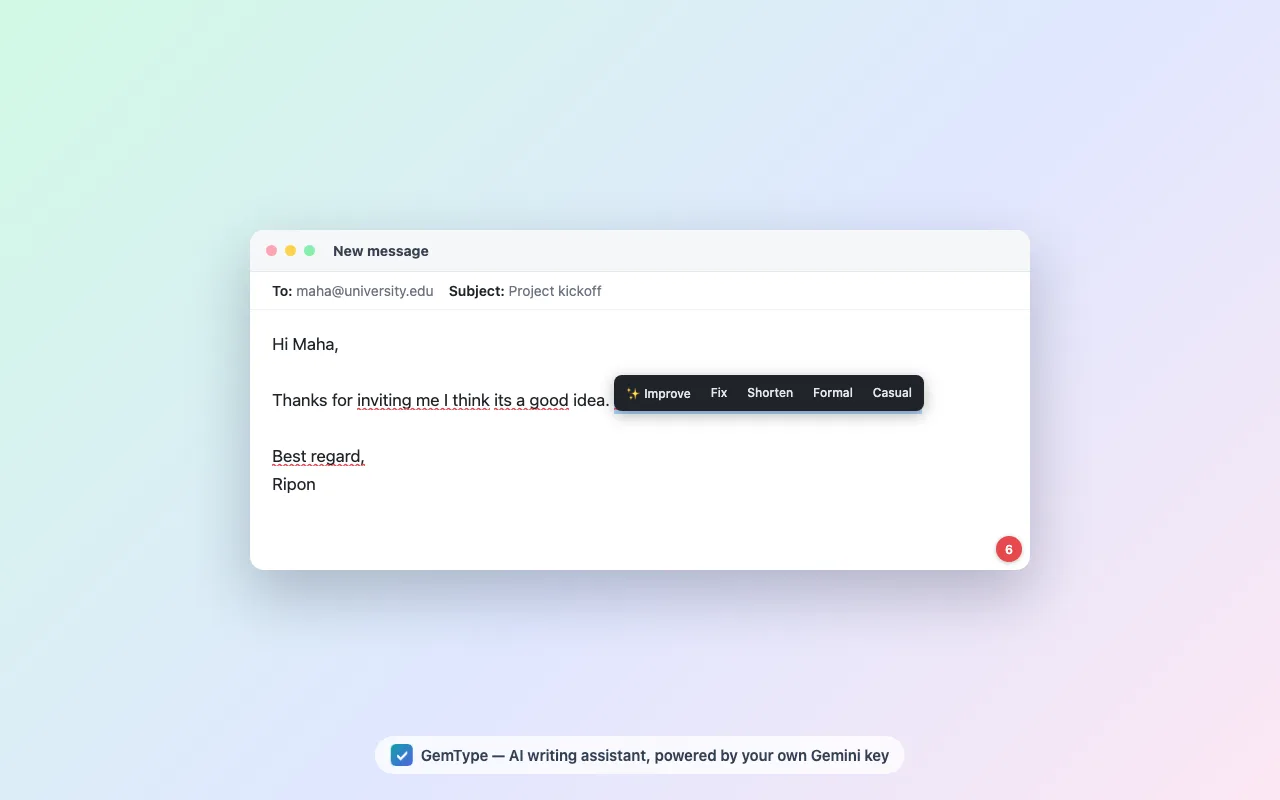
It is an LLM wrapper, by design. Suggestions are a model's judgement, not a deterministic ruleset, which means occasional over-confident rewrites. If that bothers you on principle, Harper is the better tool and we would rather you use it than be disappointed by ours.
Frequently asked questions
Is Grammarly open source?
No. Grammarly is proprietary software with no public source code. Genuinely open-source alternatives include Harper (Apache-2.0), LanguageTool's core (LGPL-2.1-or-later), Vale (MIT) and GemType (Apache-2.0).
Is there an open-source Grammarly alternative that works in the browser?
Yes, two. Harper ships a Chrome extension and is fully offline and rule-based. GemType ships on Chrome, Edge and Firefox and uses Google's Gemini API with your own key. LanguageTool's browser extension is proprietary, though its core engine is LGPL and can be self-hosted.
What can I use instead of Grammarly for free?
Harper is free with no paid tier. GemType is free and uses your own free Gemini API key. LanguageTool has a free tier with paid upgrades. Grammarly itself has a real free plan, listed at $0 on its plans page, which handles basic corrections.
Is there a Grammarly alternative that does not use AI?
Harper is the clearest answer: it is rule-based, runs offline in WebAssembly, and involves no language model. LanguageTool is primarily rule and pattern based, with optional AI features in its paid tier. GemType is not suitable here, because it is powered by Gemini.
Which Grammarly alternative is best for privacy?
Harper, because it runs locally and your text never leaves your machine, or a self-hosted LanguageTool server. GemType removes the vendor from the path — there is no GemType server and no account — but your text is still sent to Google's Gemini API under your own key, so it is not local.
How much does Grammarly cost?
As displayed on grammarly.com/plans on 26 August 2026: the Free plan is $0, the Pro plan shows $12 USD, and Enterprise is quoted on request. The page does not state a billing period next to the Pro price, so we are not able to give a verified annual figure.
Is GemType really free, and is there a catch?
It is free under Apache-2.0 with no premium tier. The catch is not money but setup and scope: you must paste a free Google Gemini API key, and your text is processed by Google's API rather than locally. It is also young, at v0.1.5.