OSSDrop
TrendingExploreForumBlog
Drop a toolSign in

Built something open-source?

Add it to the list — free and open to every open-source project.

Drop your tool
OSSDrop
BrowseBlogForumHow to submitHow it worksFAQAboutContactPrivacyTermsThe list on GitHubr/OSSDrop
AI & Coding AgentsDeveloper Tools & CLIWeb & APIsData & DatabasesDevOps & Self-HostedFiles & SyncSecurity & PrivacyProductivityNotes & KnowledgeCommunication & SocialAutomation & IoTFinance & BusinessScience & EducationCreator / MediaAll categories →
© 2026 OSSDropFree · open source · community-curated

Blog · Write for us

Write for OSSDrop

Know an open-source tool inside out? Write the guide you wish had existed when you started. We edit it with you, publish it on the OSSDrop blog with your name, and make sure people searching for that tool can find it.

Why write for OSSDrop

Your article keeps working long after you publish it.

A launch post is read for a day. A well-made guide on a site people search is read for years. We do the editing and the search work, you keep the credit and the link.

Honest note: nobody can promise rankings or traffic numbers, and we will not. We do the work that earns them.

Submit your article
  • A permanent backlinkYour article links to your tool, its repository and your site with normal, followed links, on a page that stays up. No paywall, no expiry, no link removed later.
  • SEO done for youWe edit the title, description, headings and internal links, add structured data and a share image, and put it in our sitemap and RSS feed.
  • Built to be cited by AIAnswer-first structure, an FAQ marked up for answer engines, and a clean summary in our llms.txt: what ChatGPT, Perplexity and Google's AI answers read and quote (GEO and AEO).
  • Your name, your profileThe byline links to your OSSDrop profile, where readers can follow you and see your tools. The article counts toward your profile as a writer.

How it works

  1. 1

    Write it in Markdown

    Start from our template. One .md file, at least 800 words, with the answer in the first paragraph.

  2. 2

    Send it here

    Add a title and a short summary, attach the file, and confirm it is your own work.

  3. 3

    We edit it with you

    We check every fact at the source, tighten the structure and add the search details. You see the final text first.

  4. 4

    It goes live with your name

    Published on the OSSDrop blog with your writer card and links, and shared on our channels.

What we publish

  • A guide to one open-source tool: what it does, how to set it up, what it is good and bad at
  • An honest comparison of open-source tools for one job, with real alternatives named
  • A deep dive into how a tool works under the hood
  • A tutorial that solves a real problem with open-source tools, step by step

Every piece must be about open-source software (an OSI-approved licence) and at least 800 words of your own writing.

How to write it

Answer first

The first 100 to 150 words say plainly what the reader came to learn. Search engines and AI assistants quote this part.

Tested, not copied

Write about tools you have run yourself. Include the exact commands, versions and dates you used.

Name the limits

Every piece has a section on when not to use the tool. A guide with no downsides reads as an ad, and we will not publish it.

Fair to alternatives

Comparisons name at least two real alternatives, paid ones included where relevant, with what each is better at.

Sources you can click

Link the repository, docs and anything you quote or measure against. Stars, prices and licences are checked by us again before publishing.

Readers who build thingsOSSDrop is where people come to find open-source tools. Your article sits next to the tools it covers and is shared with the OSSDrop community.
  • Edited, not rewrittenWe check every fact at the source and tighten the structure, and you see the final text before it goes live. It stays accurate: we re-check it when tools change.
  • Plain structure

    Use ## headings, short paragraphs, tables for comparisons and an FAQ with questions people actually ask.

    Images with alt text

    Screenshots you made, linked from GitHub or Imgur, each with alt text and a caption. See the image guide below for the exact links we accept.

    No promotion tricks

    No affiliate links, no paid placement, no keyword stuffing. Writing about your own tool is fine; say so at the top.

    Images

    Screenshots make a guide. Put each image in the Markdown as a link to a file you host on GitHub or Imgur. When we publish, we copy every image to our own server, so it never breaks later.

    Your repository

    Commit the image (for example to docs/), open it on GitHub, click Raw and copy that link.

    https://raw.githubusercontent.com/owner/repo/main/docs/screenshot.png

    A GitHub attachment

    Drag the image into any GitHub issue or pull request comment box. GitHub uploads it and inserts the link; copy it. You do not need to post the comment.

    https://github.com/user-attachments/assets/3f1c…

    Imgur

    Upload at imgur.com, then right-click the image and copy the image address: the direct i.imgur.com link that ends in .png or .jpg, not the imgur.com page.

    https://i.imgur.com/AbC123x.png

    How to write it

    ![Harper underlining a repeated word in a
    VS Code Markdown file](https://i.imgur.com/AbC123x.png)
    
    *Harper flags the repeated "the" as you
    type, with no network connection.*

    The text in brackets is the alt text; the line in *asterisks* under it is the caption.

    • Formats: PNG, JPG or WebP. No SVG. For motion, link a video instead of a large GIF.
    • Size: under 1 MB each, screenshots at least 1200 px wide, up to 10 images.
    • Cover: the first image is the article’s cover and its social preview. A wide image (about 1200 × 630) works best.
    • Alt text: required. Say what the image shows (“Settings panel with the offline toggle on”), not “screenshot”.
    • Rights: your own screenshots, or images you have permission to use. No images taken from other sites.
    • Not accepted: links to a web page instead of an image file, private repositories, Google Drive or Dropbox links.

    Learn from published articles

    Read one before you start: this is the standard we edit to.

    Top listThe 5 Best Open-Source Terminal Tools for DevelopersNotice: One section per tool: what it is for, install command, key features, pros and cons.
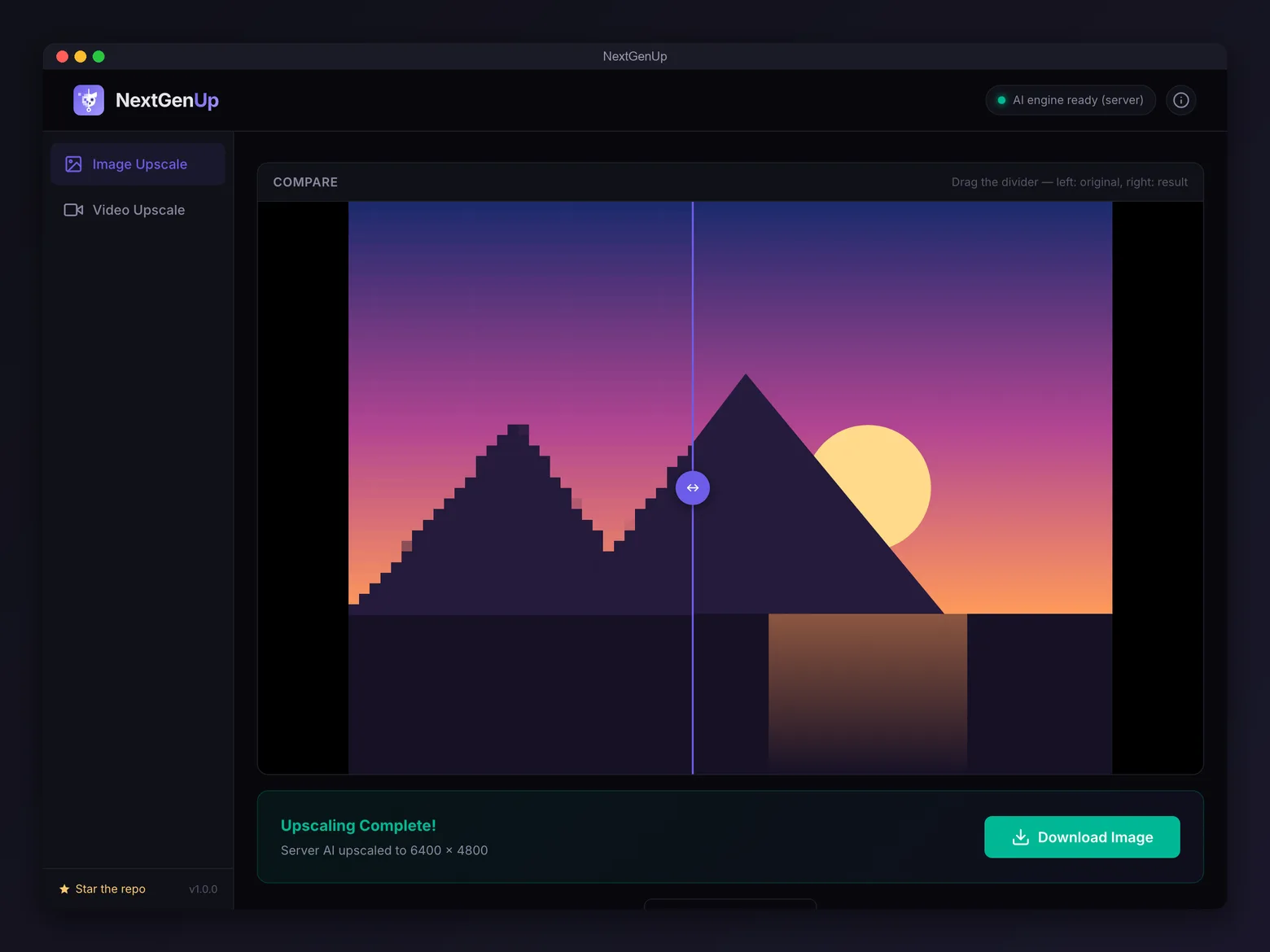
    ReviewNextGenUp Review: The Open-Source AI Upscaler That Does Images, Video and FacesNotice: Disclosure first, real screenshots with captions, and an honest 'where it falls short' section.
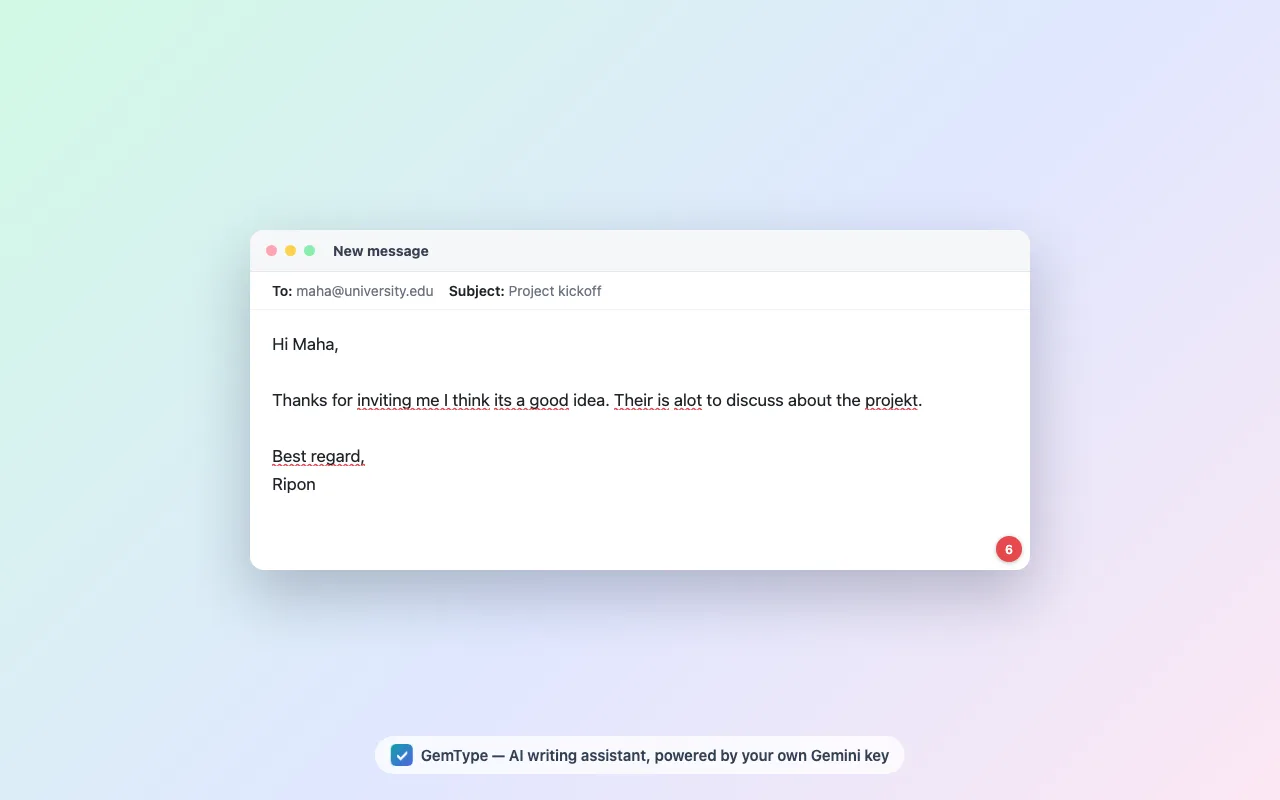
    ComparisonOpen-Source Grammarly Alternatives: A Verified ComparisonNotice: A comparison table where every licence and price is read from the source, with the date it was checked.
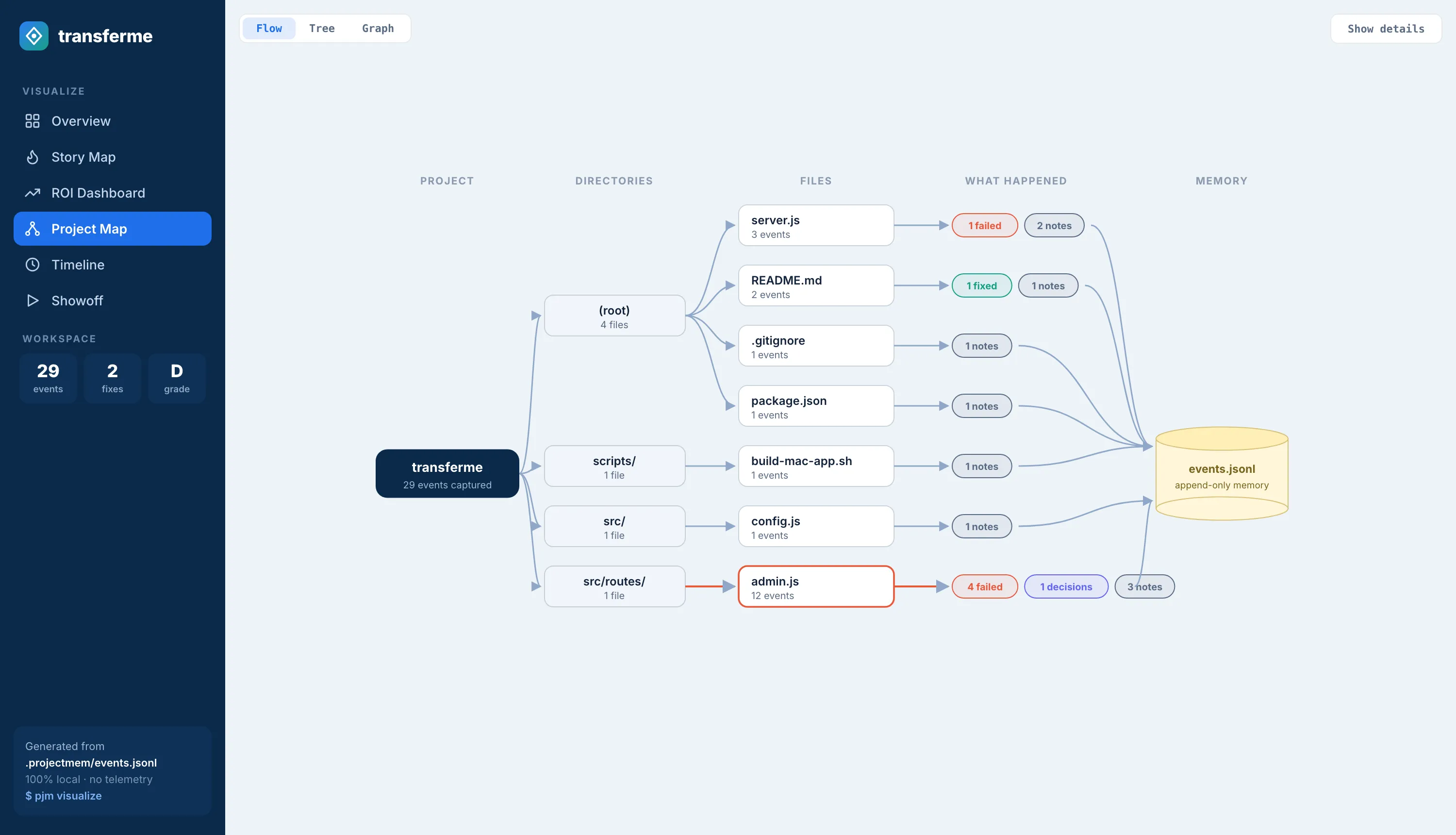
    Deep diveCoding Agent Memory: How It Works, and Where projectmem FitsNotice: Answer-first opening, the mechanism explained plainly, and a section on where the tool falls short.

    Start from the template

    The front matter at the top (title, description, tags) and the section order are what we publish with. Fill it in, keep the headings, and compare your draft with the published examples.

    ---
    title: "Your title, phrased the way people search"
    description: "One or two sentences, max 160 characters."
    tool: "https://github.com/owner/repo"
    kind: "Comparison"
    tags: ["topic one", "topic two"]
    ---
    
    The answer, in the first 100 to 150 words.
    
    ![What the cover image shows](https://i.imgur.com/AbC123x.png)
    *A one-line caption.*
    
    ## How it works
    ## Getting started
    ## Comparison
    ## Limitations: when not to use it
    ## FAQ
    ## Sources
    Download the template (.md)

    Questions

    Do you pay for articles?

    No. OSSDrop is run by a nonprofit and the blog has no ads or affiliate links. What you get is a published, credited article with your writer card and links, on a page built to be found in search and cited by AI assistants.

    Can I write about my own project?

    Yes, if you say so in the first paragraph and the piece is as honest about its limits as any other. We hold it to the same standard as an independent review.

    Can I publish it on my own blog too?

    Please send work that has not been published elsewhere. After it is live here, you can link to it or publish a summary that points to the full article.

    Can I use AI to write it?

    You can use AI tools for help, as long as you have tested everything it says and you tick the box when you submit. We note AI assistance on the published post.

    How long does review take?

    We aim to reply within a week, in your OSSDrop notifications. If we decline, we tell you why.

    Submit your article

    Sign in to submit

    We reply in your OSSDrop notifications and credit the article to your account.

    Sign in